
📞General Disarray
🤖 Voice-powered AI assistant for SIP phone systems by CHAOS.CORP
ROBO CODED — This documentation was made with AI and may not be 100% sane. But the code does work! 🎉
📞General Disarray - SIP AI Assistant
A voice-powered AI assistant that answers phone calls, understands natural language, and can perform actions like setting timers, checking weather, scheduling callbacks, and more.
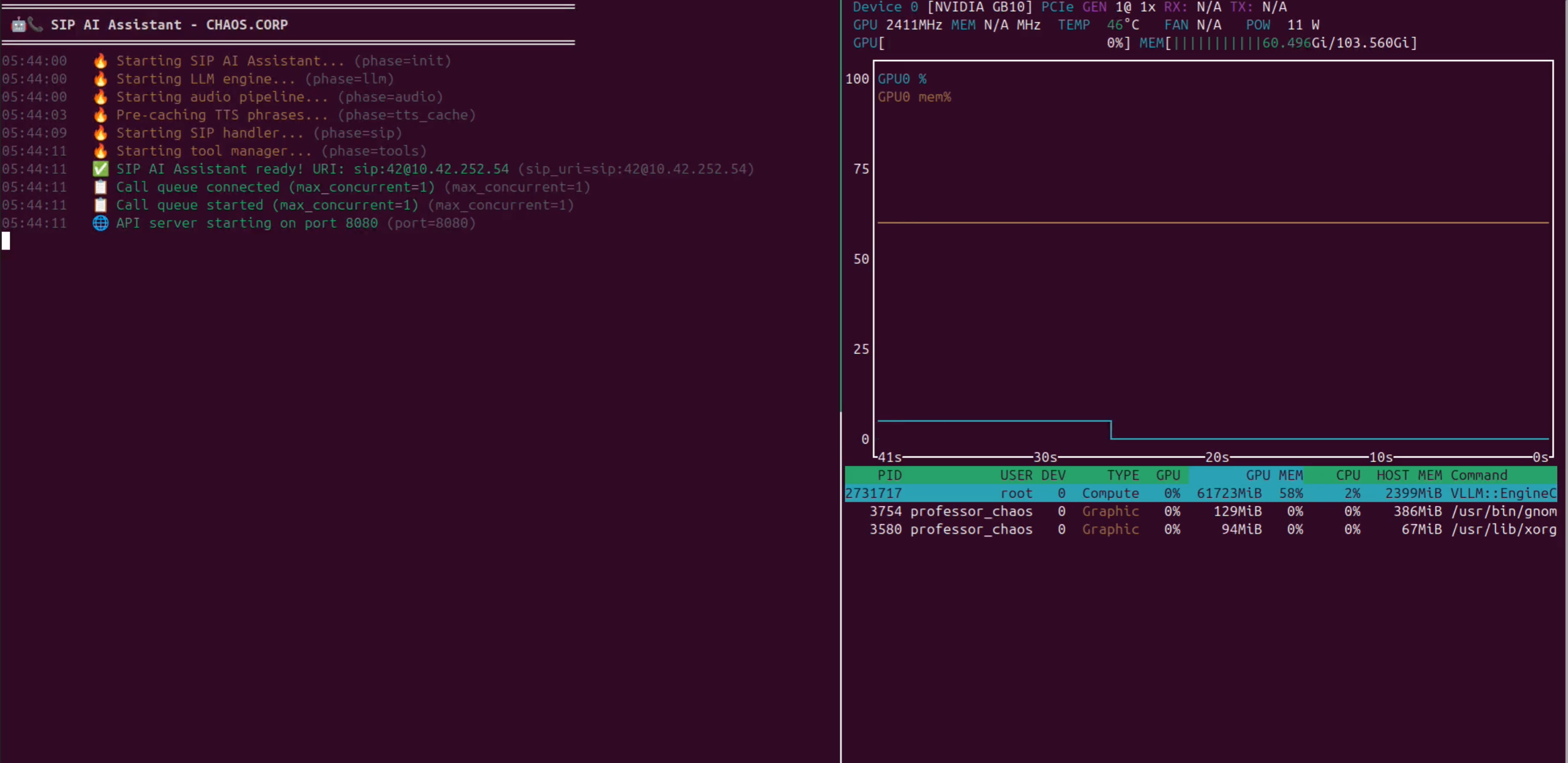
✨ Features
| Feature | Description |
|---|---|
| 🎙️ Voice Conversations | Natural speech-to-text and text-to-speech powered by Whisper and Kokoro |
| 🤖 LLM Integration | Connects to OpenAI, vLLM, Ollama, LM Studio, and more |
| 🔧 Built-in Tools | Weather, timers, callbacks, date/time, calculator |
| 🔌 Plugin System | Easily add custom tools with Python |
| 🌐 REST API | Initiate outbound calls, execute tools, schedule calls |
| 🔗 Webhooks | Trigger calls from Home Assistant, n8n, and more |
| ⏰ Scheduled Calls | One-time or recurring calls (daily briefings, reminders) |
| 🗣️ Custom Phrases | Customize greetings, goodbyes, and responses via config |
| 📊 Observability | Prometheus metrics, OpenTelemetry tracing, JSON logs |
🚀 Quick Example
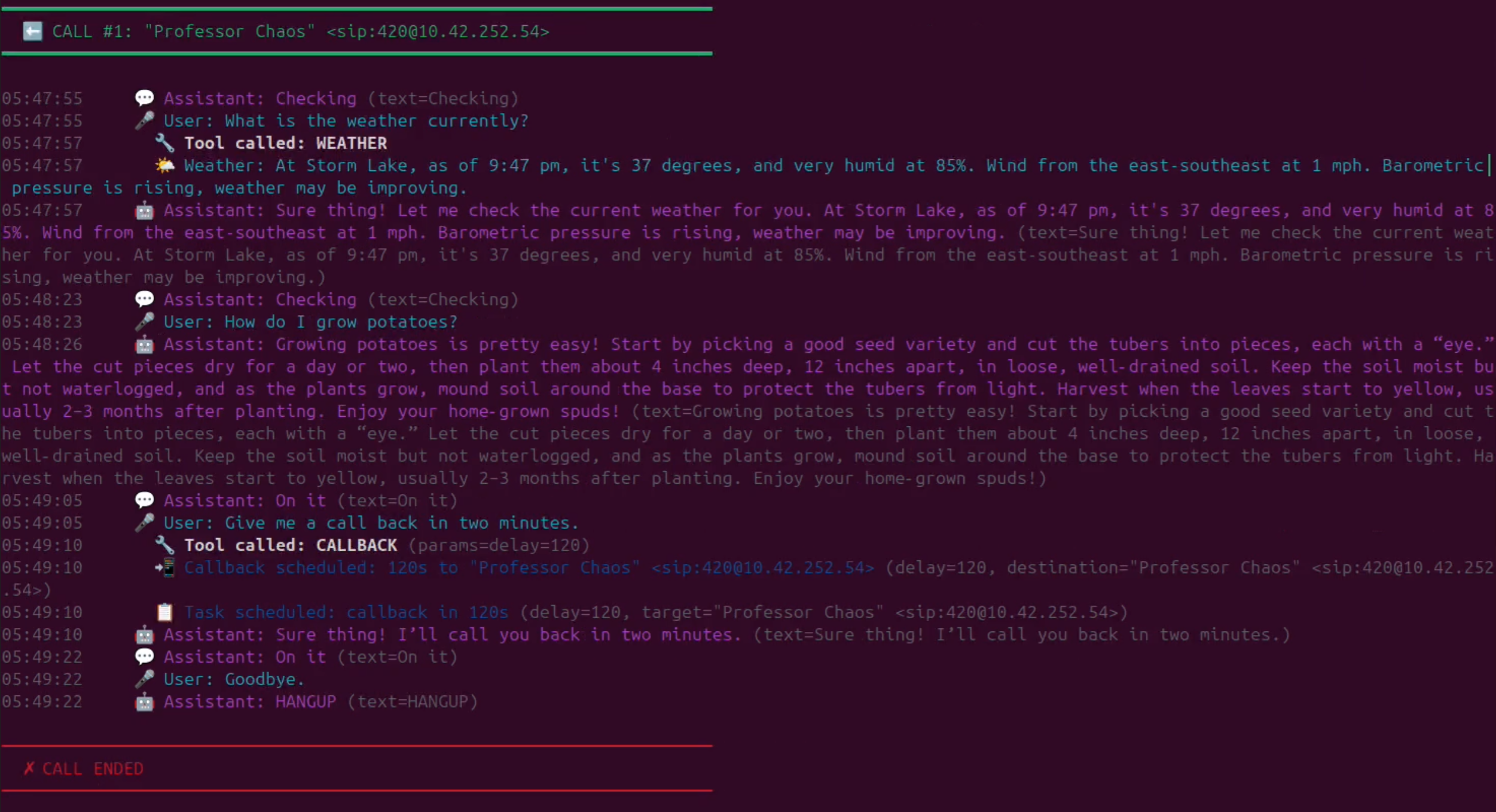
Call the assistant and say:
sequenceDiagram
    participant User as 👤 User
    participant Agent as 🤖 SIP Agent
    participant STT as 🎤 Speaches
    participant LLM as 🧠 LLM
    participant Tool as 🌤️ Weather Tool

    User->>Agent: "What's the weather like?"
    Agent->>STT: Audio stream
    STT-->>Agent: Transcribed text
    Agent->>LLM: User query + context
    LLM-->>Agent: [TOOL:WEATHER]
    Agent->>Tool: Execute
    Tool-->>Agent: Weather data
    Agent->>LLM: Tool result
    LLM-->>Agent: Natural response
    Agent->>STT: Text to speech
    STT-->>Agent: Audio
    Agent->>User: "At Storm Lake, it's 44°..."
Assistant responds:
💡 Use Cases
| Use Case | Example |
|---|---|
| ⏲️ Timers & Reminders | "Set a timer for 10 minutes" |
| 📞 Callbacks | "Call me back in an hour" |
| 🌤️ Weather Briefings | Scheduled morning weather calls |
| 📅 Appointment Reminders | Outbound calls with confirmation |
| 🚨 Alerts & Notifications | Webhook-triggered phone calls |
| 🏠 Smart Home | Voice control via phone |
🧠 Recommended Models
Quick reference for GPU-specific configurations. See Configuration for full details.
| GPU | VRAM | Recommended LLM | STT Model |
|---|---|---|---|
| H100 / A100 | 80GB | meta-llama/Llama-3.1-70B-Instruct | faster-whisper-large-v3 |
| DGX Spark | 128GB | meta-llama/Llama-3.1-70B-Instruct | faster-whisper-large-v3 |
| RTX 5090 | 32GB | Qwen/Qwen2.5-32B-Instruct | faster-whisper-large-v3 |
| RTX 4090 | 24GB | Qwen/Qwen2.5-14B-Instruct | faster-whisper-large-v3 |
| RTX 3090 | 24GB | meta-llama/Llama-3.1-8B-Instruct | faster-whisper-medium |
| RTX 4080 | 16GB | meta-llama/Llama-3.1-8B-Instruct | faster-whisper-medium |
| RTX 3080 | 10GB | Qwen/Qwen2.5-7B-Instruct | faster-whisper-small |
🎬 Demo

# Example call flow
┌──────────────────────────────────────────────────────────────┐
│  📞 Incoming call from: +1 (555) 123-4567                    │
├──────────────────────────────────────────────────────────────┤
│  🤖 "Hello! This is your AI assistant. How can I help?"     │
│  👤 "What time is it?"                                       │
│  🤖 "It's 3:45 PM on Saturday, November 30th."              │
│  👤 "Set a timer for 5 minutes"                              │
│  🤖 "Timer set for 5 minutes. I'll let you know!"           │
│  👤 "Thanks, goodbye"                                        │
│  🤖 "Goodbye! Have a great day!"                            │
│  📴 Call ended (duration: 0:32)                              │
└──────────────────────────────────────────────────────────────┘
📚 Documentation
- 🚀 Getting Started — Installation & setup
- ⚙️ Configuration — Environment variables
- 🌐 API Reference — REST API endpoints
- 🔧 Built-in Tools — Available capabilities
- 🔌 Creating Plugins — Add custom tools
- 📖 Examples — Integration patterns
📦 Quick Install
# Clone the repository
git clone https://github.com/your-org/sip-agent.git
cd sip-agent

# Configure environment
cp .env.example .env
nano .env

# Start with Docker Compose
docker compose up -d

# Verify it's running
curl http://localhost:8080/health
Expected output:
{
  "status": "healthy",
  "sip_registered": true,
  "active_calls": 0
}
🆘 Support
Updated 10 months ago
Did this page help you?